Deck Data Hub Quick Start Guide

Overview

What is the Deck Data Hub (DDH)? What does it do?

The DDH is the heartbeat of the Collection System.

  1. Auto connects to cellular and GPS
  2. Searches for data loggers
  3. Automatically receives recorded data from the logger
  4. Uploads data to the Cloud
Environmental Monitors on Lobster Traps and Large Trawlers (eMOLT) program. Fishermen collect environmental data. Lowell Instruments Deck Data Hub Real-time temperature and depth probes Real-time temperature profilers Real-time dissolved oxygen probes Real-time CTD Conductivity Salinity profilers
FV Tricia Lynn Deck Data Hub

Initial Setup / Equipment Provided

Deck Data Hub

  • Mount in wheelhouse, on the side where traps are hauled. Comes with mounting feet and acrylic plate (if possible). Plate typically mounted with supplied double-sided velcro.
  • Direct line-of-sight communication is preferred. Obstacles (metal, thick walls etc.) will create interference and significantly decrease range.
  • It is possible to mount the DDH to the ceiling. 


  • The DDH power cable is configurable for 120 VAC or 12 VDC to connect with your vessel’s power source.

Suggested Data Logger Placement

Environmental Monitors on Lobster Traps and Large Trawlers (eMOLT) program. Fishermen collect environmental data. Lowell Instruments Deck Data Hub Real-time temperature and depth probes Real-time temperature profilers Real-time dissolved oxygen probes Real-time CTD Conductivity Salinity profilers

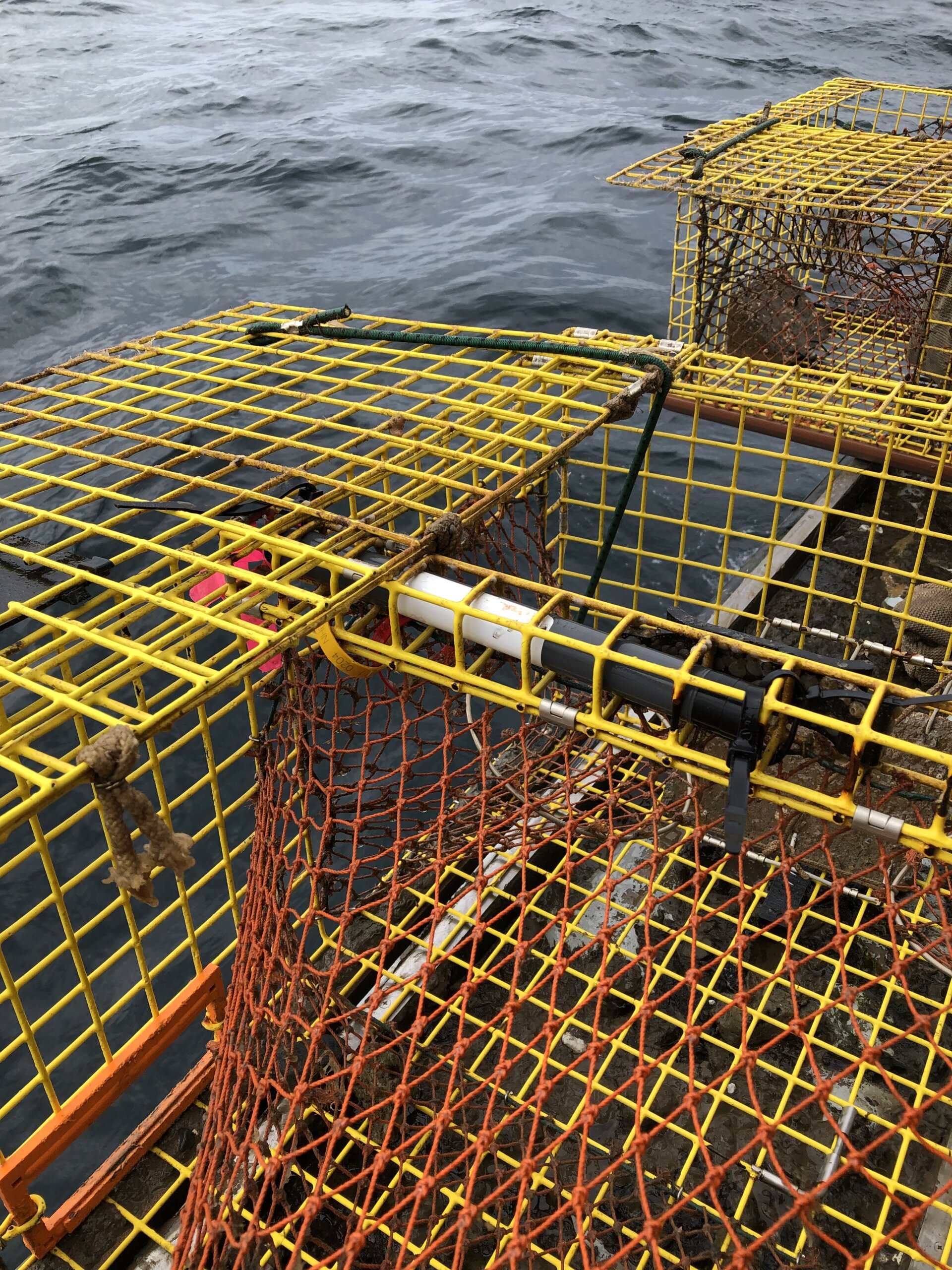
Fixed Gear

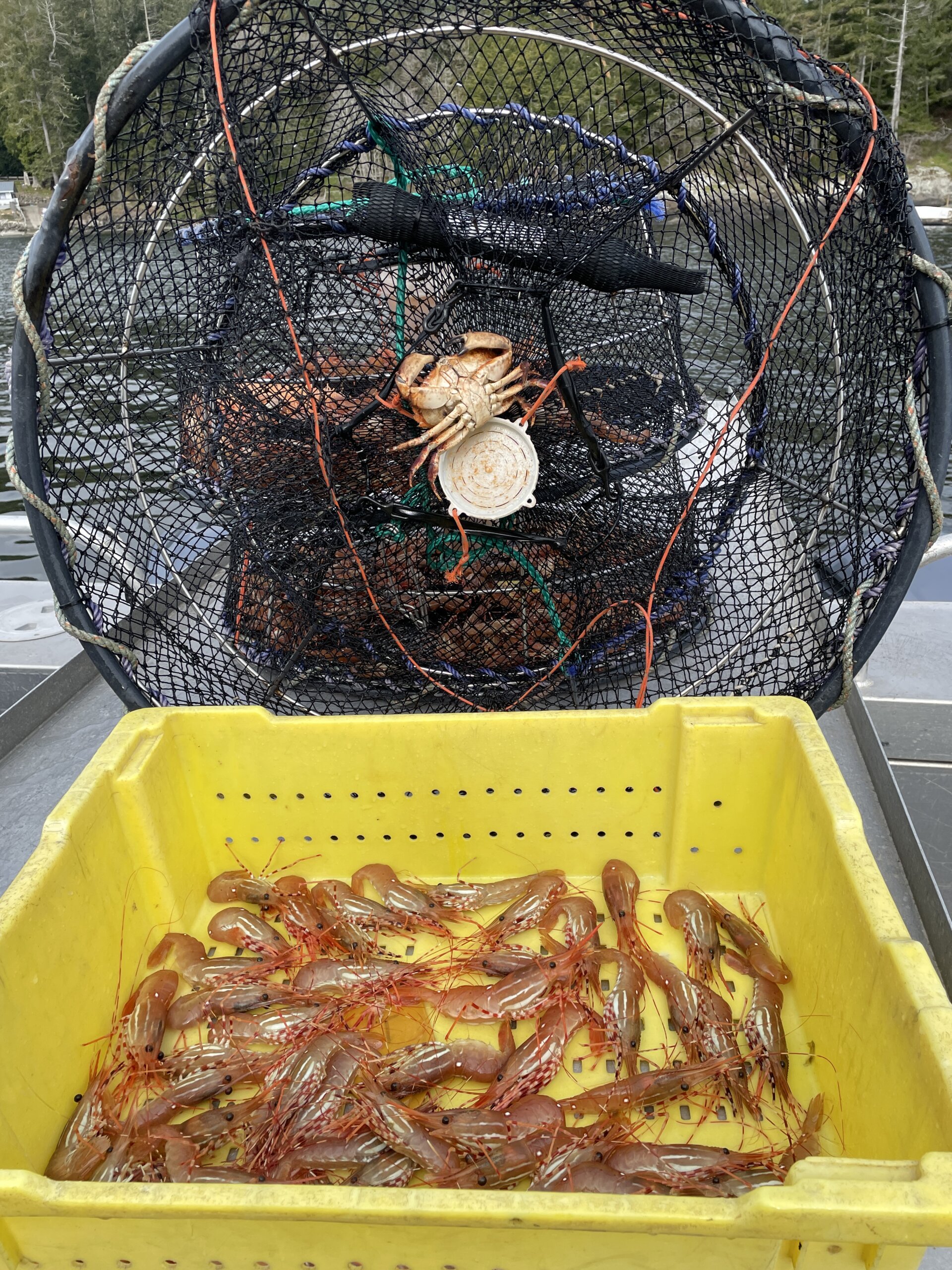
For mounting on lobster or crab trap, logger should be mounted on top vs bottom (away from mud/sand). Typically attached using tie wraps.

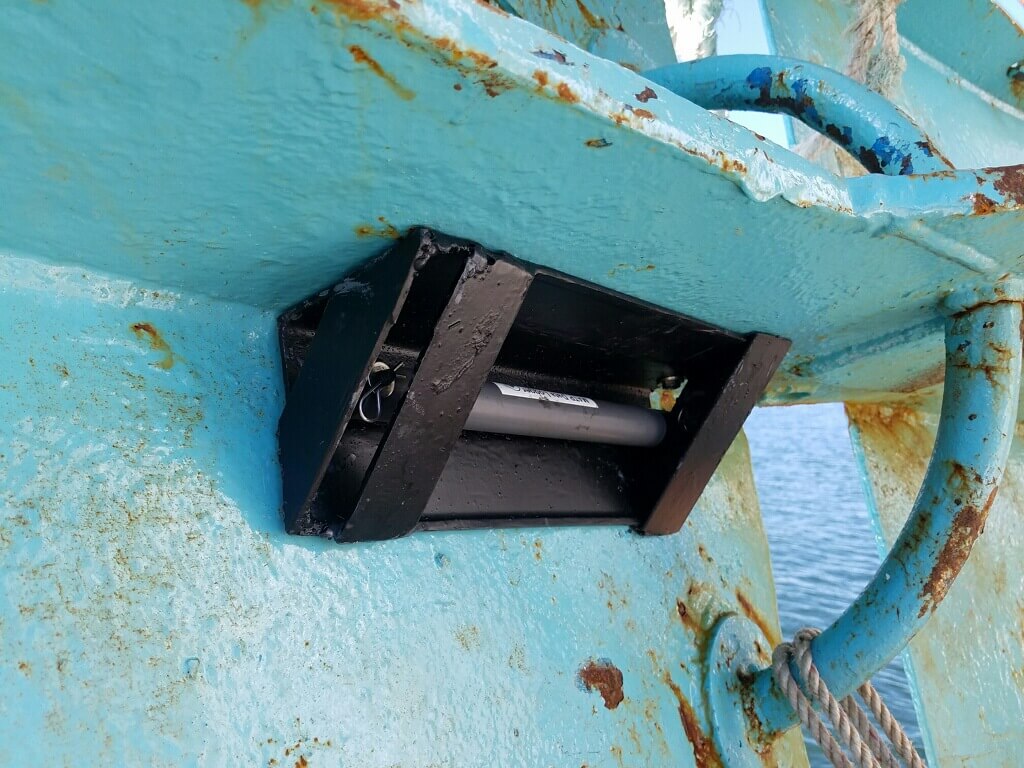
Dissolved Oxygen & Temperature (DOT) logger mounted to a door

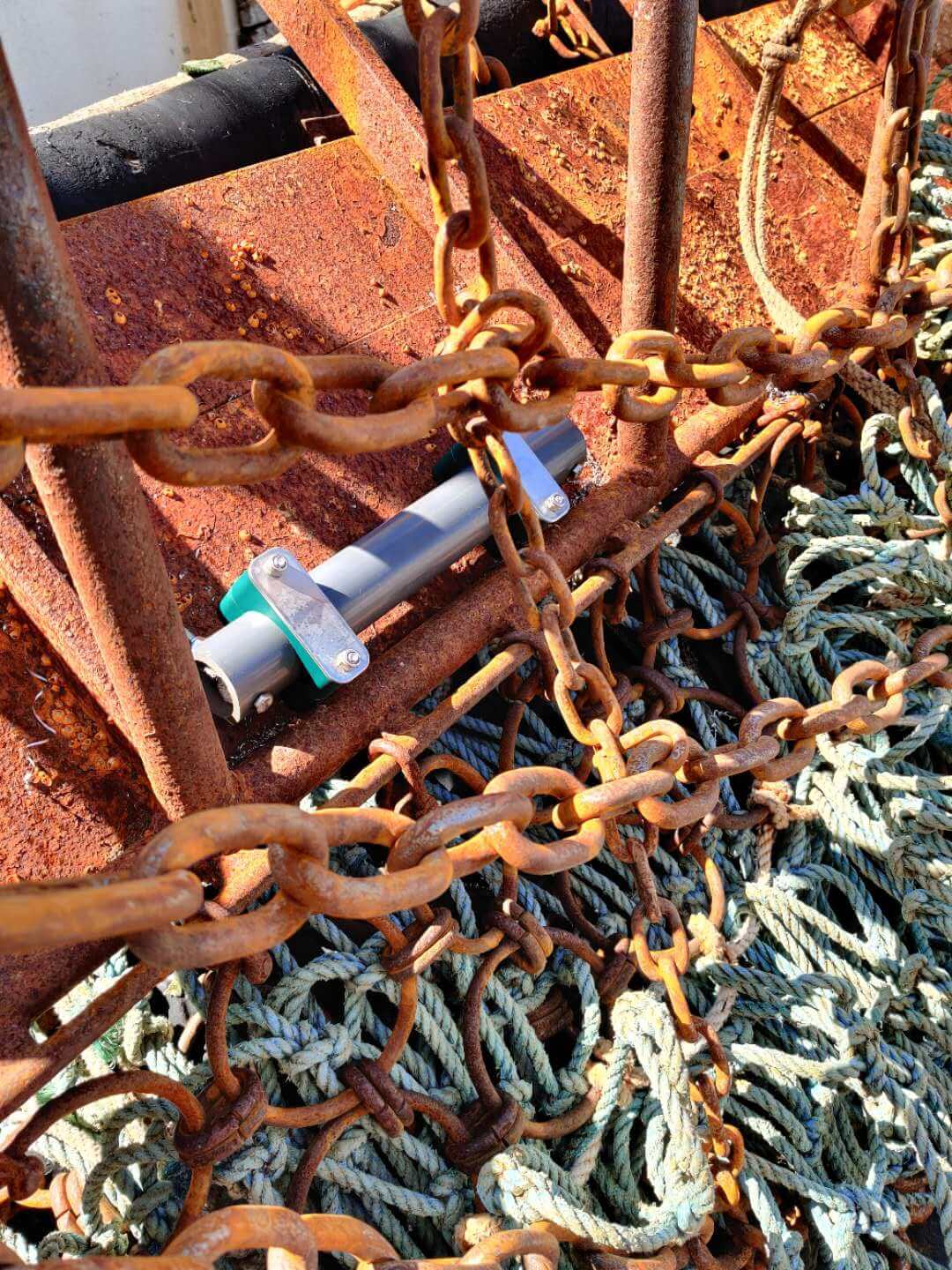
Mobile Gear

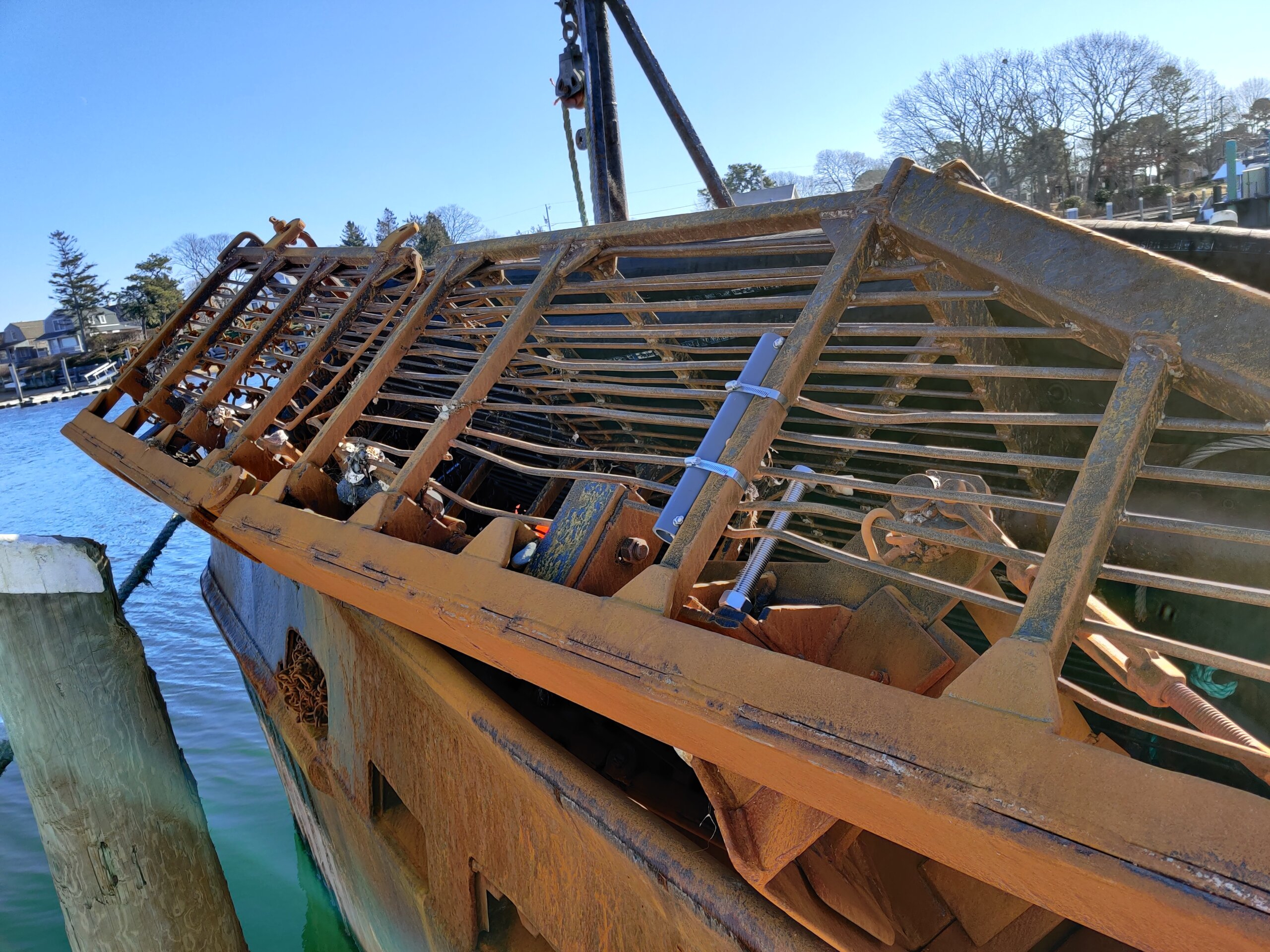
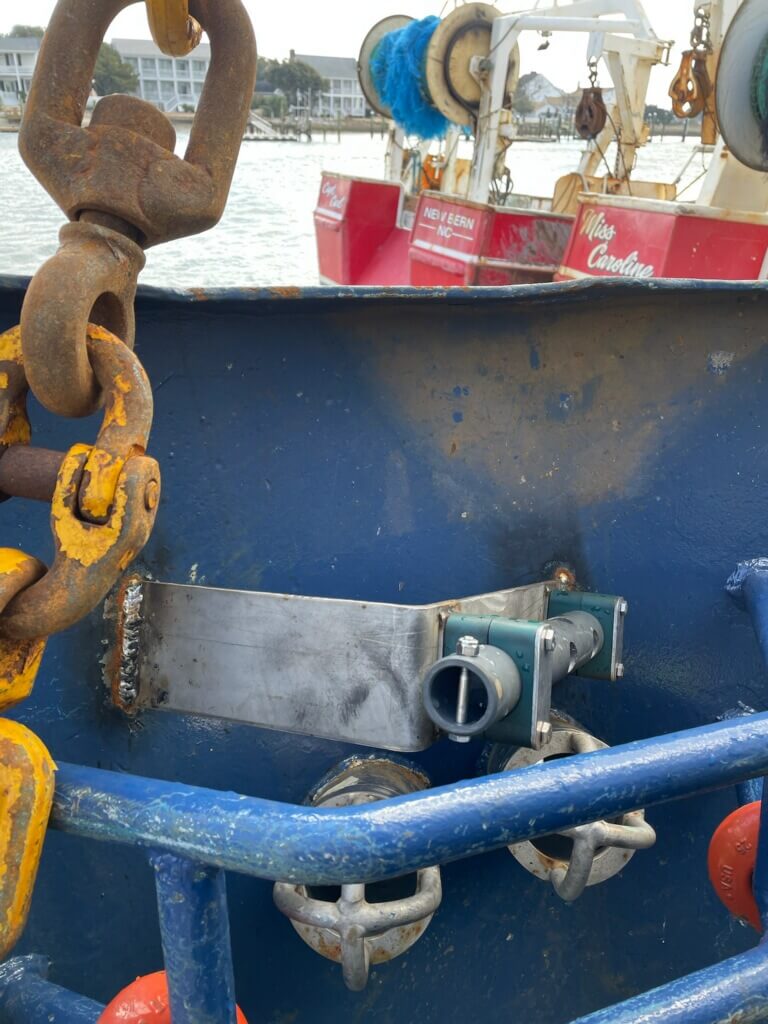
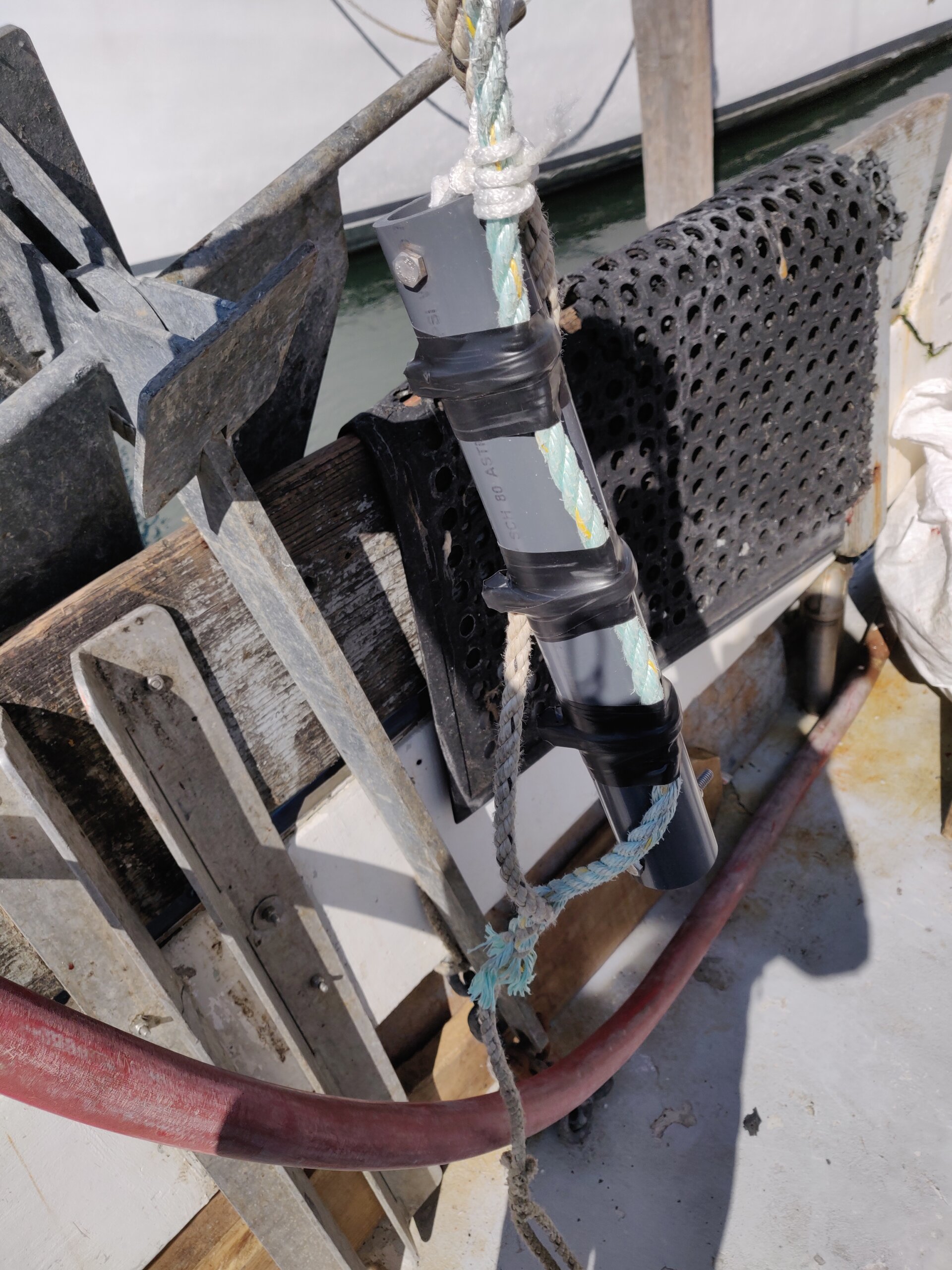
We recommend using a protective housing for the data logger for scallop dredges, clam dredges and draggers. The logger with the housing can be mounted using hose clamps, u-bolts or pipe clamps. Pipe clamps are welded onto the scallop dredge in the photo

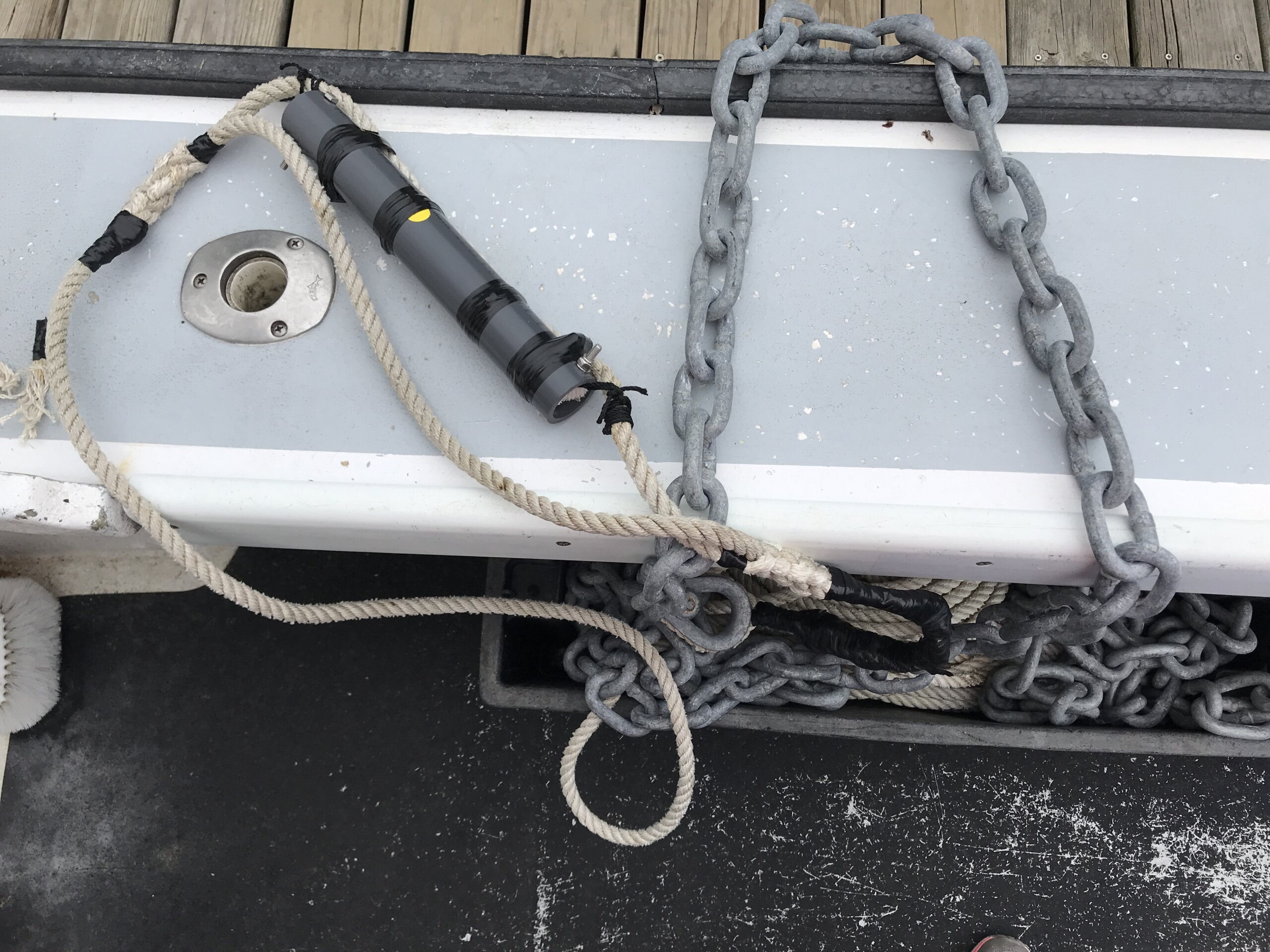
Additional Mounting Suggestions

Basic Operations

(1) Powering Up

Pro Tip: Power up DDH when you start up the vessel to allow time for boot up and GPS signal acquisition. This typically takes 2 to 3 minutes to start the DDH program.

  • Connect to vessel’s power source.
  • POWER button, is located on LEFT-HAND SIDE of deck. (Push once. No need to hold button.) Button will light up.
  • DDH will go into boot up mode and automatically start the logger application.
    • Seeing a black screen during this time-period is normal. Boot-up process takes time and the screen display will often switch from black, to desktop display, to eventually start the software program.

(2) GPS and Cellular Signal Search/Sync

Pro Tip: Being near a window in wheelhouse will aid in GPS signal pickup.

Waiting for GPS Screen Display

GPS search and sync is an Automatic Process. The Icon appears & dot progresses while in waiting mode.

Syncing GPS Screen Display

If sync process takes more than 5 mins, move deck closer to a window. If a red icon appears, GPS satellites cannot be found. Move deck closer to a window.

Environmental Monitors on Lobster Traps and Large Trawlers (eMOLT) program. Fishermen collect environmental data. Lowell Instruments Deck Data Hub Real-time temperature and depth probes Real-time temperature profilers Real-time dissolved oxygen probes Real-time CTD Conductivity Salinity profilers

(3) Searching for Loggers

Once the DDH has powered up, it will start searching for loggers. This screen is shown the majority of the time until a data logger comes in range.

Environmental Monitors on Lobster Traps and Large Trawlers (eMOLT) program. Fishermen collect environmental data. Lowell Instruments Deck Data Hub Real-time temperature and depth probes Real-time temperature profilers Real-time dissolved oxygen probes Real-time CTD Conductivity Salinity profilers

(4) Download Logger Data

Logger data download is an automatic process that occurs when a logger is in range with a good line-of-sight and the pre-configured time has expired since last download. Typically 1/day for fixed gear & 1/hour for mobile gear. The LCD will show a progress bar when the data logger's data is downloaded.

Environmental Monitors on Lobster Traps and Large Trawlers (eMOLT) program. Fishermen collect environmental data. Lowell Instruments Deck Data Hub Real-time temperature and depth probes Real-time temperature profilers Real-time dissolved oxygen probes Real-time CTD Conductivity Salinity profilers

(5) Download Success/Cloud Upload

Upon a successful download a green check will be shown. The haul summary will also be displayed. If unsuccessful, the DDH will attempt to retry download. A Red "X" will be shown if the logger could not be downloaded.

(6) Graphs Tab

(7) Details Tab

(8) Maps Tab